



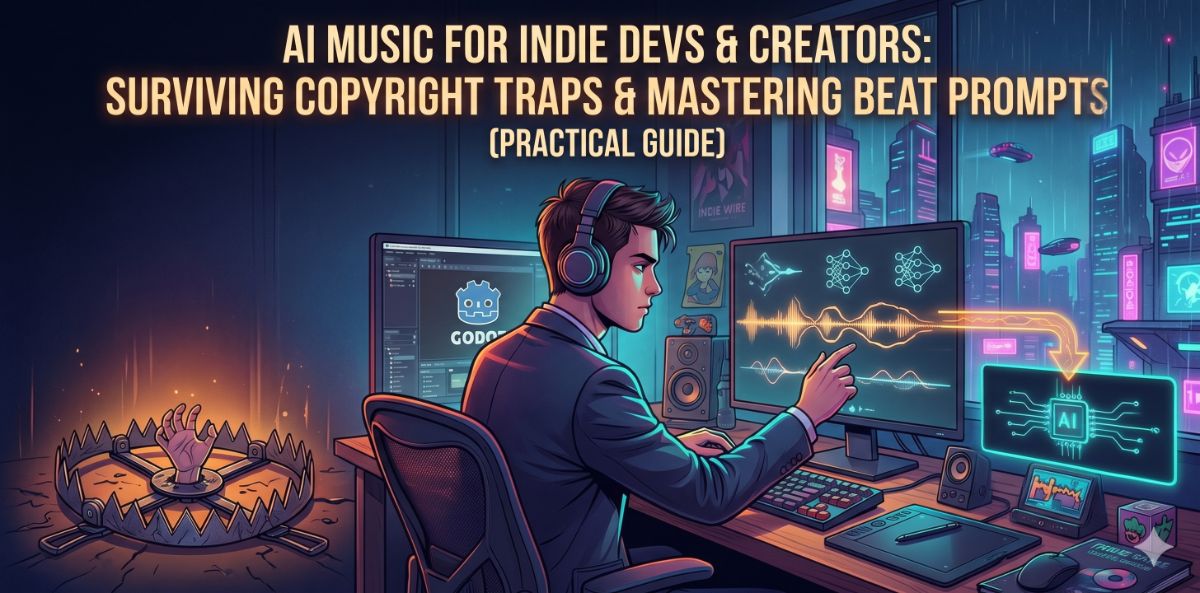
Если вы разработчик инди-игр, приложений или создатель YouTube, вы уже носите слишком много шляп. Вы ’кодер, маркетолог и дизайнер. Но когда дело доходит до звукового оформления и фоновой музыки, все становится сложнее.
АИ-генераторы музыки, такие как Suno и Udio, кажутся идеальным чит-кодом. Однако тысячи создателей быстро сталкиваются с двумя серьезными препятствиями: пугающей юридической серой зоной авторских прав ИИ и удручающей реальностью, когда для написания подсказки для хорошего инструментального ритма требуется диплом аудиоинженера.
В этом руководстве мы разберем риски, связанные с авторским правом, которых вам следует избегать, дадим вам окончательные формулы подсказок для инструментальных битов и покажем вам рабочий процесс нового поколения, который полностью устраняет необходимость в ручных подсказках.
В этом руководстве мы расскажем вам о том, что нужно делать, чтобы избежать рисков, связанных с авторским правом.
Ловушка авторского права: безопасна ли ваша игра в Steam или на iOS?
Самый большой страх для любого инди-разработчика - это проснуться от уведомления о снятии DMCA. Если вы используете стандартные, "черные" генераторы музыки AI, вы играете с огнем.
Условия предоставления услуг для многих популярных инструментов ИИ печально известны своей расплывчатостью. Если вы не владеете явными коммерческими правами на сгенерированные треки, вы рискуете:
- .
-
Получить отказ или удалить вашу игру из Steam и Apple App Store.
Для безопасной монетизации в 2026 году вы должны использовать платформу, которая явно гарантирует 100% прав коммерческого использования на генерируемые вами треки.
Дилемма разработчика: почему искусственный интеллект подсказок - это сложно
.Второе препятствие - это сам процесс генерации. Вы знаете, что вам нужен "трек для боя с боссом" или "ритм для меню паузы", но если вы введете это в генератор ИИ, то, как правило, получите беспорядочную, хаотичную кашу.
Модели ИИ не думают в терминах "вибраций"; они думают в музыкальных параметрах. Чтобы получить хороший инструментальный ритм, нужна формула.
Окончательная формула инструментальных подсказок
.Если вам приходится подсказывать вручную, используйте эту структуру: [Genre/Era] + [BPM] + [Lead Instrument] + [Vibe/Texture] + [Crucial Meta-Tags]
Здесь представлены три подсказки чит-кода для распространенных сценариев игр/приложений:
1. "Киберпанк-экшн"
Агрессивный среднетемповый киберпанк-синтвейв, 110 bpm, пульсирующая искаженная басовая линия, тяжелые аналоговые синтезаторы, движущая драм-машина, зернистая футуристическая текстура. [Instrumental] [Clear Beat]
2. Lo-Fi бит "Cozy Pause Menu"
.Холодный лофи-хип-хоп, 80 bpm, джазовые аккорды электропианино, пыльный бум-бап барабанный цикл, треск винила, теплый акустический бас, расслабляющая вибрация поздней ночи. [Instrumental] [No Vocals]
3. Оркестровый трек "Epic Boss Fight"
3.Pro Tip: Всегда включайтеМрачный кинематографический оркестр, 140 bpm, массивные духовые, быстрые стаккато струнных, тяжелая племенная перкуссия, нарастающее напряжение, эпическая драматическая кульминация. [Instrumental]
[Instrumental]или[No Vocals]в самом начале и конце вашего запроса. Без них ИИ почти всегда будет галлюцинировать случайными, призрачными голосами на заднем плане.Профессиональное решение: Перестаньте подсказывать, начните разговаривать
.Запоминание BPM и названий инструментов утомляет, когда вы должны быть сосредоточены на своем основном проекте. Что, если бы вам вообще не пришлось писать подсказки?
Вот почему инди-разработчики отказываются от базовых генераторов и переходят на Meloty.ai. Мы создали Meloty специально для создателей, которым нужен профессиональный звук без сложной кривой обучения.
1. Агенты LLM: Ваш персональный композитор
.Вместо того чтобы бороться с текстовым полем, Meloty интегрирует самые передовые в мире Большие языковые модели (Gemini 3.1 Pro, ChatGPT 5.4, Claude 4.6) в качестве вашего персонального музыкального продюсера.
.
Вы просто общаетесь с Агентом естественным образом: "Мне нужен трек для ретро-космического шутера. Сделайте его быстрым, 8-битным, но современным". Агент понимает контекст и автоматически пишет подробные технические подсказки, необходимые для создания идеального ритма.
2. Разговорная итерация (The Game Changer)
У вас есть трек, который почти идеален, но барабаны слишком агрессивны? При использовании стандартных инструментов вам придется переписывать подсказку и снова бросать кости, надеясь на лучшее. С помощью Task-Based History от Meloty вы просто отвечаете своему агенту: "Сохраните ту же мелодию, но сделайте ударные мягче и более эмбиентными". Агент сохраняет контекст и постоянно оптимизирует ваш трек, пока он не будет идеально соответствовать сцене.
3. Безопасная монетизация и скачивание стеблей
.С Meloty.ai каждый созданный вами трек поставляется с 100% правами на коммерческое использование, что делает его полностью безопасным для Steam, iOS и YouTube. Кроме того, вы можете загрузить Audio Stems (разделенные дорожки), что позволит вам отключить звук ударных во время диалоговых сцен или динамически зациклить басовую линию в движке вашей игры.
Audio Stems.
Готовы поднять уровень звука в своем проекте? Хватит рисковать авторскими правами и тратить время на плохие подсказки. Начните общаться со своим агентом-продюсером ИИ на [Meloty.ai] уже сегодня.